#1 Goal for this course
By the end of this course, I want you to have a good understanding of what a merge conflict is and how to resolve it.
What is a merge conflict?
We all know that Git tracks file changes.
Let’s say you have a feature branch called featureA and you want to merge this feature into your master branch. Now, Git will automatically merge all the “new” pieces of code into your master branch however there will be some cases where it will not be able to do so automatically.
A merge conflict is a scenario where Git is not able to automatically merge changes as it gets confused between two different versions of code for the same file.
Resolve a merge conflict
Step 1: Create a new file and push it to your remote git repo
Go ahead and add a new file to the project, using any text editor you like or running a touch command. touch newfile.txt just creates and saves a blank file named newfile.txt.
Add the following text to the file:
bash
Commit it to your upstream repo (use git commit and git push).
Step 2: Modify the file in your upstream repo
Navigate to your git repo and modify the content of the string directly in the browser:
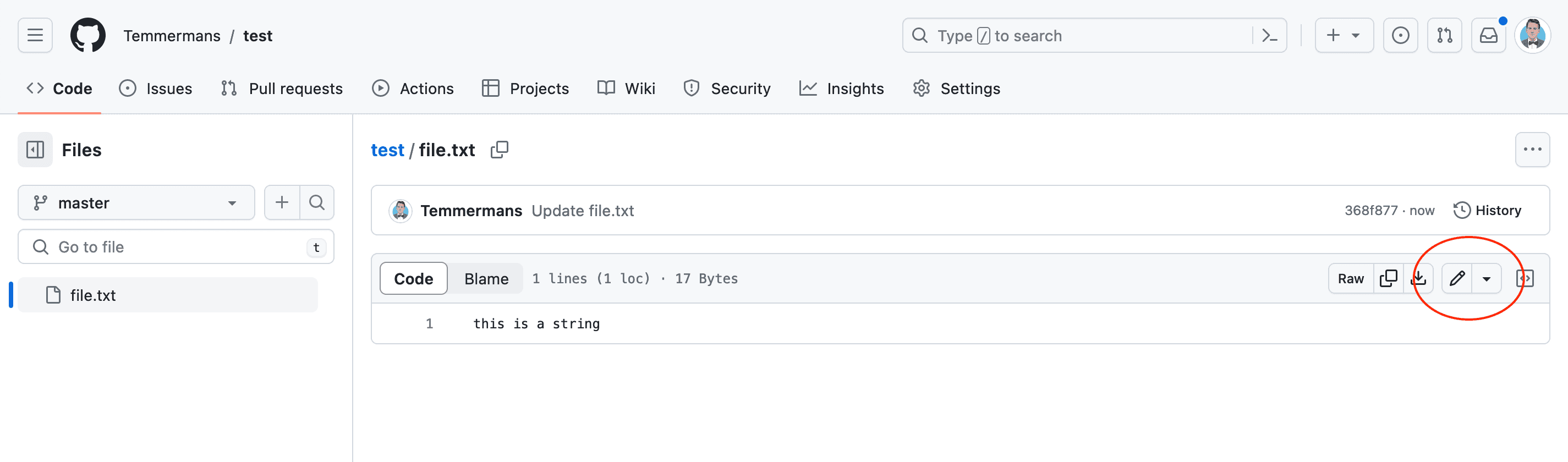
Commit the changes and you should see the following:
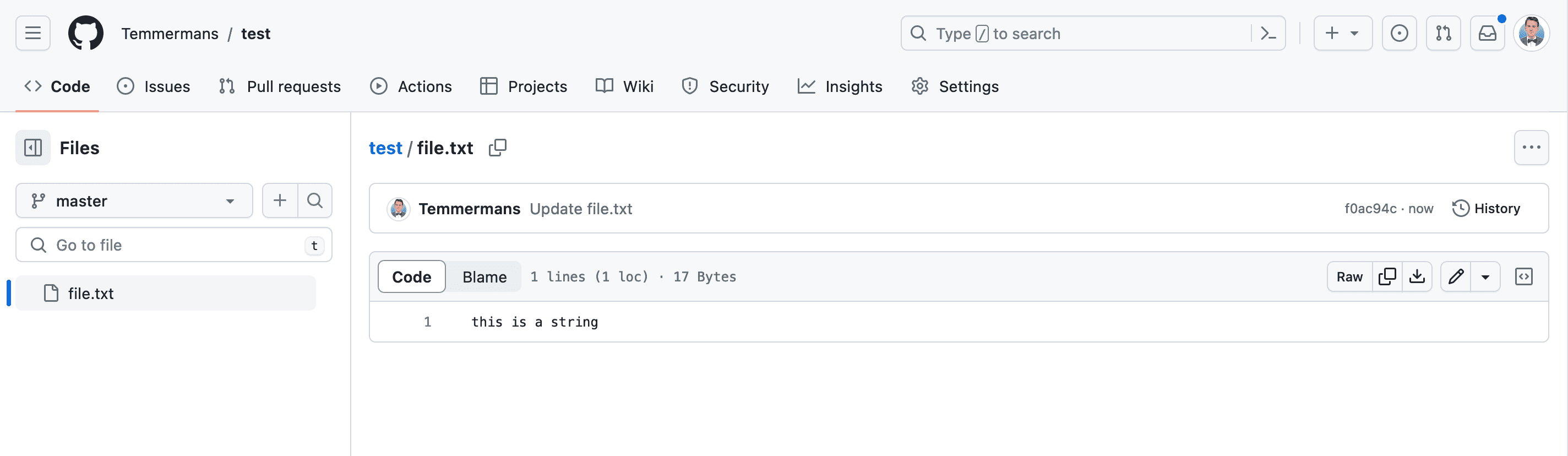
Step 3: Modify the file in your local repo
Now, let’s modify the file in your local repo:
bash
Step 4: Merge the changes
Now commit your changes and try to merge the changes from your upstream repo:
bash
Step 5: Resolve the merge conflict
You should see something like the following:
bash
Open the file and you should see something like this:
bash
Remove the lines that you don’t want to keep and save the file. You can now commit the changes and push them to your upstream repo.
bash