#9 Progressive Web Apps (PWA)
By the end of this section, you should have a solid understanding of the possibilities PWAs offer.
What is it?
PWA (Progressive Web Apps) Comparison and Explanation
Comparison with Other App Development Approaches
-
Native SDKs
- Example Technologies: Kotlin (Android), Swift/Objective C (iOS), .NET (Windows)
- Target: Specific Devices
- Distribution: Via respective app stores
-
Cross-platform Solutions
- Examples: React Native, NativeScript, Flutter
- Target: Multiple platforms but requires different packages per platform
-
Hybrid Development
- Examples: Adobe PhoneGap, Apache Cordova
- Target: Specific Devices, not browsers
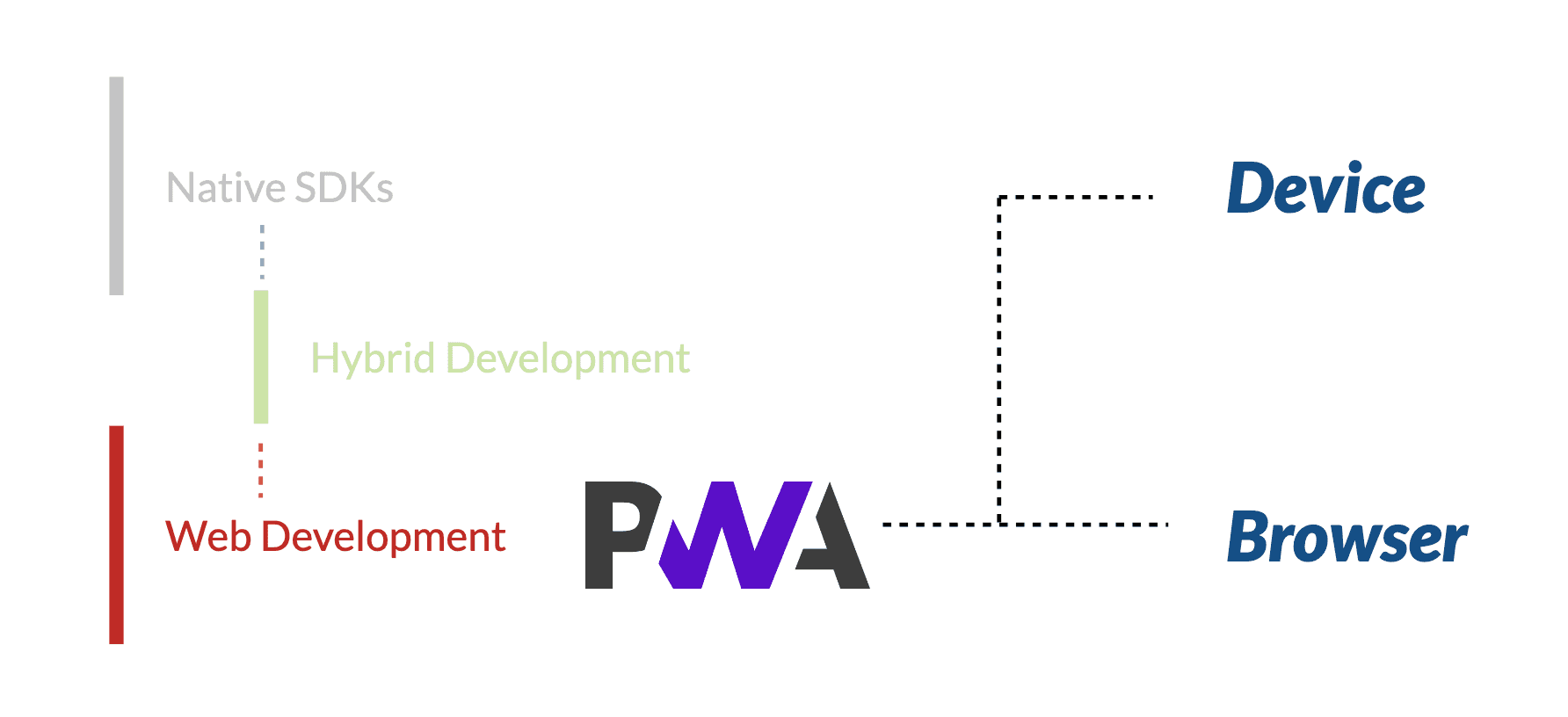
PWA (Progressive Web Apps)
- Target: Browsers and Specific Devices
- Technologies: JavaScript, JSON, HTML, CSS
- Distribution: Directly via web (URLs)
Benefits of PWAs
- Ease of Deployment and Update: Easier to deploy and update compared to native apps
- Flexibility: Can use various web technologies and frameworks (React, Vue, etc.)
- Offline Access: Improved offline access compared to traditional web apps
- Integration with OS: Allows features like push notifications, badges, etc.
PWAs support
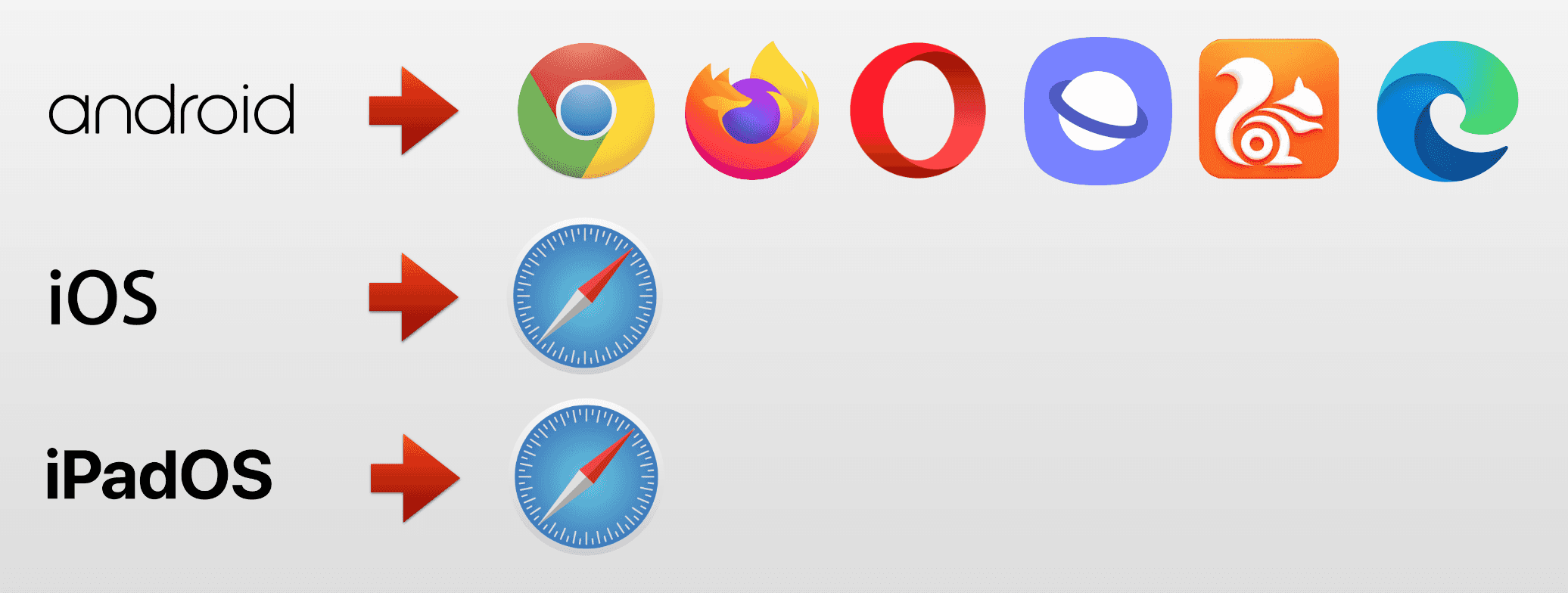
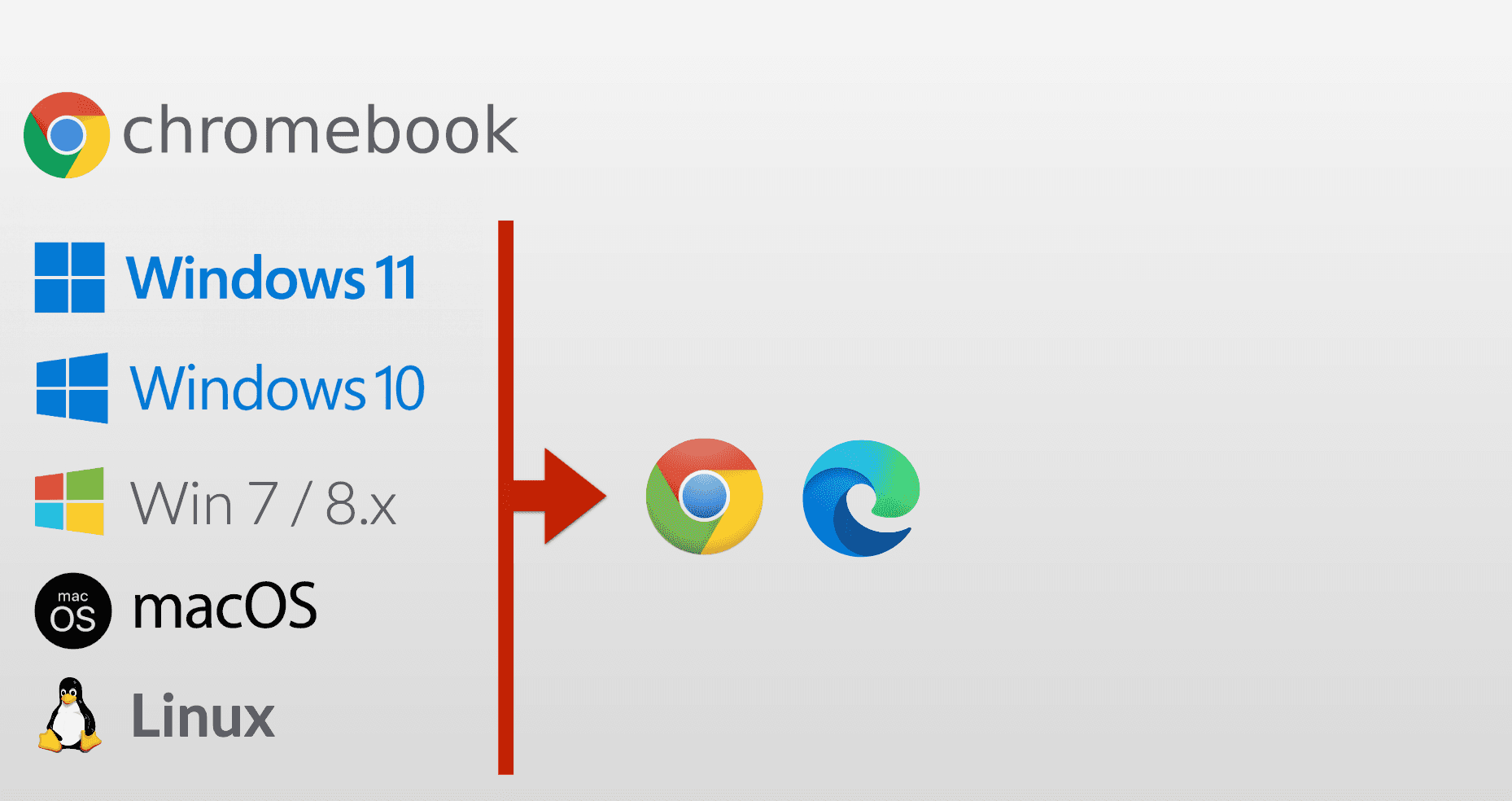
86% of browsers are now PWA compatible
Mobile
Desktop
No support
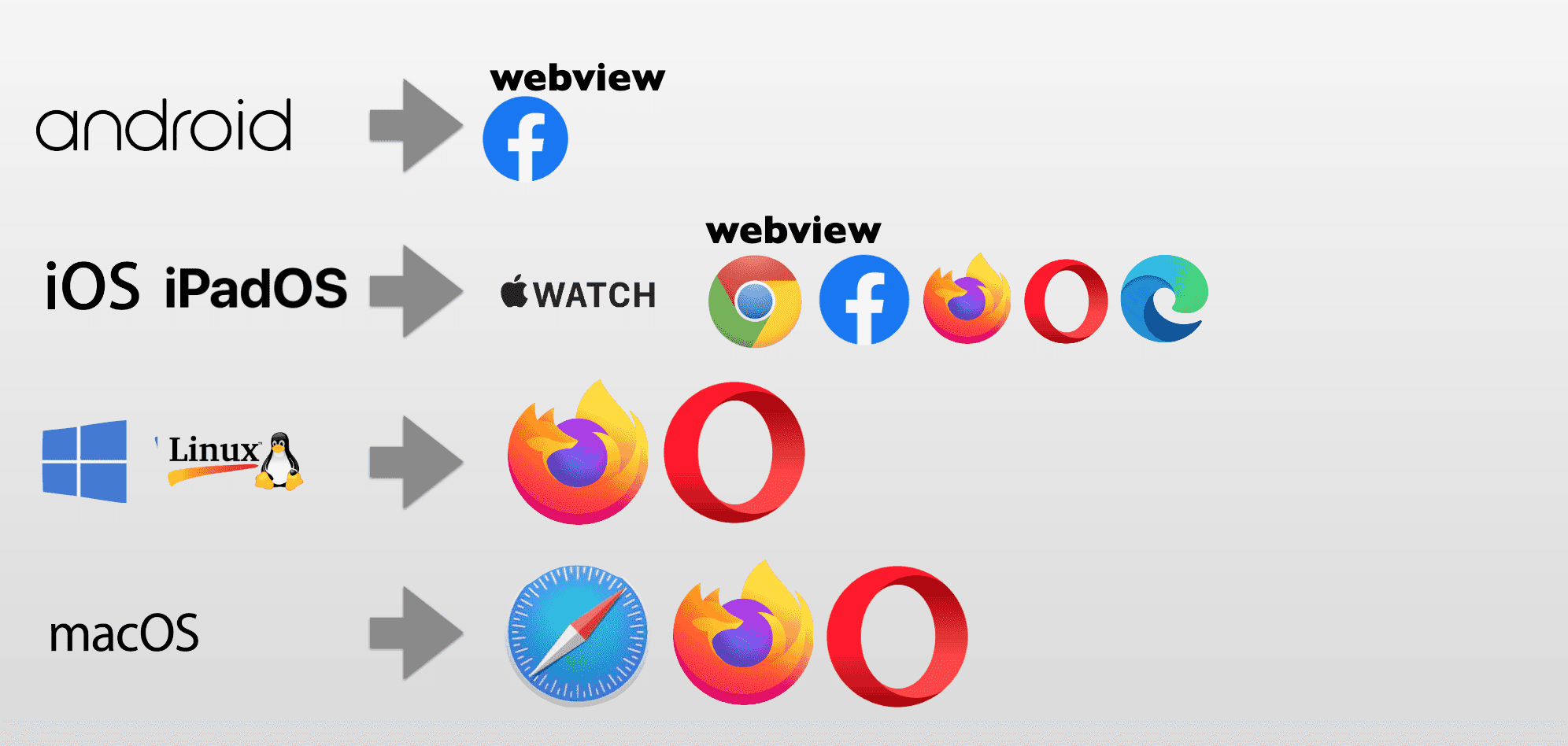
also no support for smart tvs, smartwatches, consoles and XR headsets
Components of PWA
1. Web App
- The foundational layer of a PWA is the web app itself. This can be built using common web technologies such as HTML, CSS, and JavaScript.
- Frameworks such as React, Angular, or Vue.js can also be used to develop the web app.
2. Web App Manifest
- The Web App Manifest is a JSON file that provides metadata about the application, such as the name, icons, display mode, and background color.
- It allows the web app to be installable and customizable on the user’s home screen.
3. Service Worker
- Service Workers are scripts that run in the background, separate from the web page.
- They enable features like offline functionality, background sync, and push notifications.
Here is a diagram that illustrates the relationship between these components:
In terms of detection, browsers like Chrome and Edge provide built-in tools such as Lighthouse, which can assess whether a web app meets the criteria of a PWA. Lighthouse checks against a set of PWA criteria, and if the web app passes, it enables installation support and may display a hint for user installation. This criteria may evolve over time, impacting aspects such as installation prompts and search engine optimization (SEO).
Project progress
/index.html
add the manifest link
html
add the manifest like this:
json